Vf-Warehouse · Android scanner

The whole warehouse, in the palm of your hand.

Vf-Warehouse turns a handheld Android scanner into a full warehouse companion: ordering, receiving, put-away, counting, picking, packing and everything in between. Same accounts, same data, same rules as the rest of VFusion. Point, pull the trigger, done.

  • Scan-first, hands-free
  • Offline-first
  • Same brain as the webapp
  • JWT-secured REST API
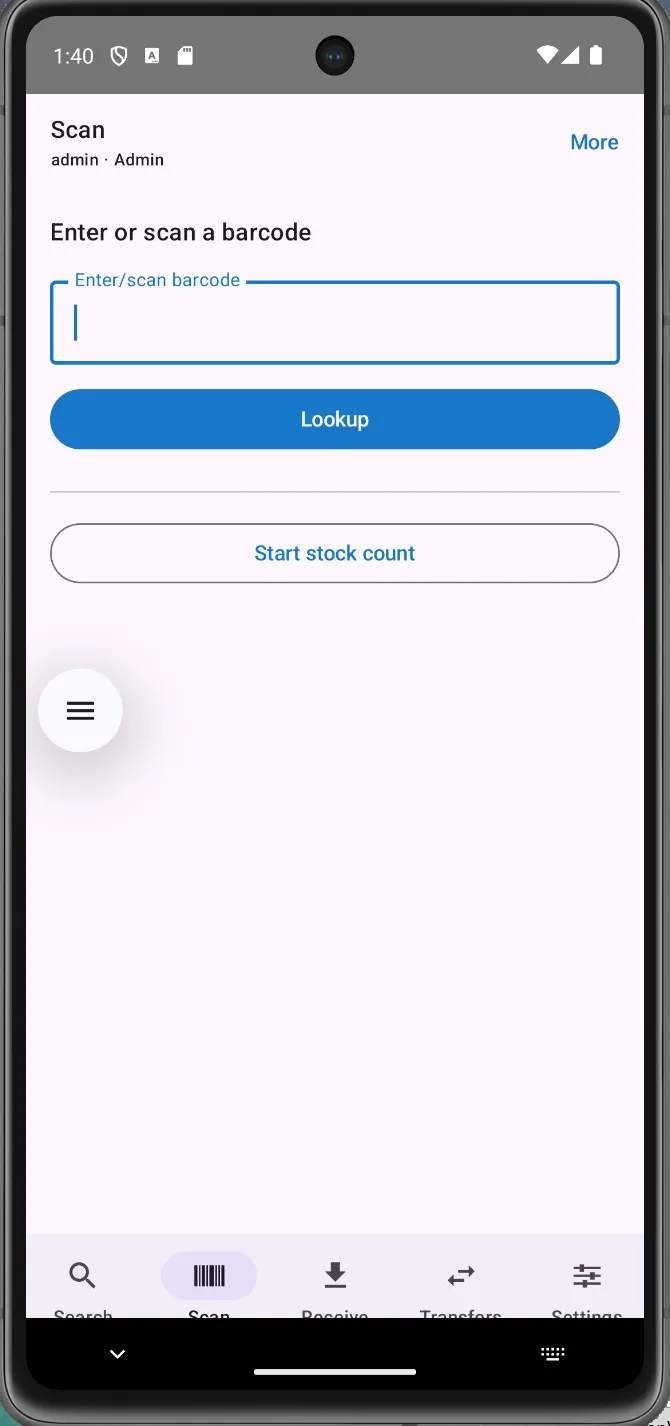
The Vf-Warehouse Scan tab on a handheld Android scanner.
How it thinks

Three ideas run through the whole app.

Scan-first, hands-free.

The trigger works on every screen. Each workflow reads the scan in its own context: a product, a bin, a PO line, a pack check. Nobody ever taps a field first.

Offline-first where it matters.

The four stock-changing operations, adjust, count, transfer, receive, are captured to a durable local queue and synced the instant the connection returns. Wi-Fi dead spots never lose work.

Same brain as the webapp.

Same accounts, roles and business rules. Whatever the scanner does, the website shows within seconds, and the other way round. It’s another window onto one system.

Three ways a barcode gets in.

Broadcast, keyboard-wedge, or typed by hand: one result.

  • Broadcast mode: the device’s scan engine fires an Android broadcast per trigger pull; the app feeds every scan into one shared stream, with duplicate suppression built in.
  • Keyboard-wedge mode: if the scanner “types” its code, the app still catches it globally by keystroke timing, on any screen, and swallows the trailing Enter so it can’t accidentally click a button.
  • Typed by hand: every scan-driven feature also has a plain text field, so a damaged barcode can always be keyed.
  • Scan-anywhere navigation: on a main tab, any scan opens that product’s detail page; inside a workflow, that screen consumes the scan for its own purpose. No double handling, ever.
The Scan tab: enter or scan a barcode, look it up, or start a stock count.

Find and read any product.

Search, scan, or resolve a whole shelf at once.
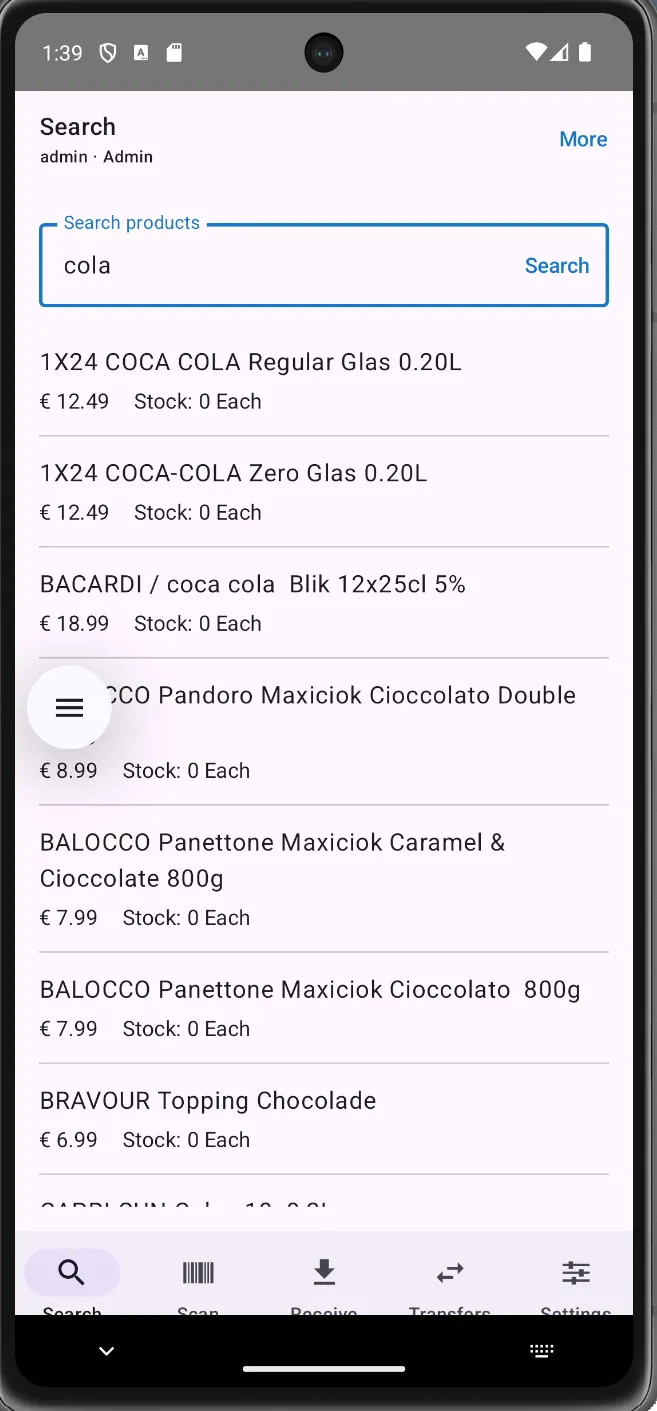
  • Search tab: type any part of a name for a live list with sale price and current stock.
  • Scan tab: an auto-focused barcode field with the keyboard hidden, plus a “Start stock count” entry.
  • Bulk barcode resolve: paste or scan a whole pile of codes and the app resolves them in one round-trip, split into “Found” and “Not found”.
  • Product Detail: a big authoritative on-hand number from the stock ledger, every barcode on file, VAT and category, with five actions fanning out: adjust, move, history, label, batches/expiry.
The Search tab with a live product list showing price and stock.

Goods-in, done at the dock.

Receive against the PO and photograph the pakbon on the spot.
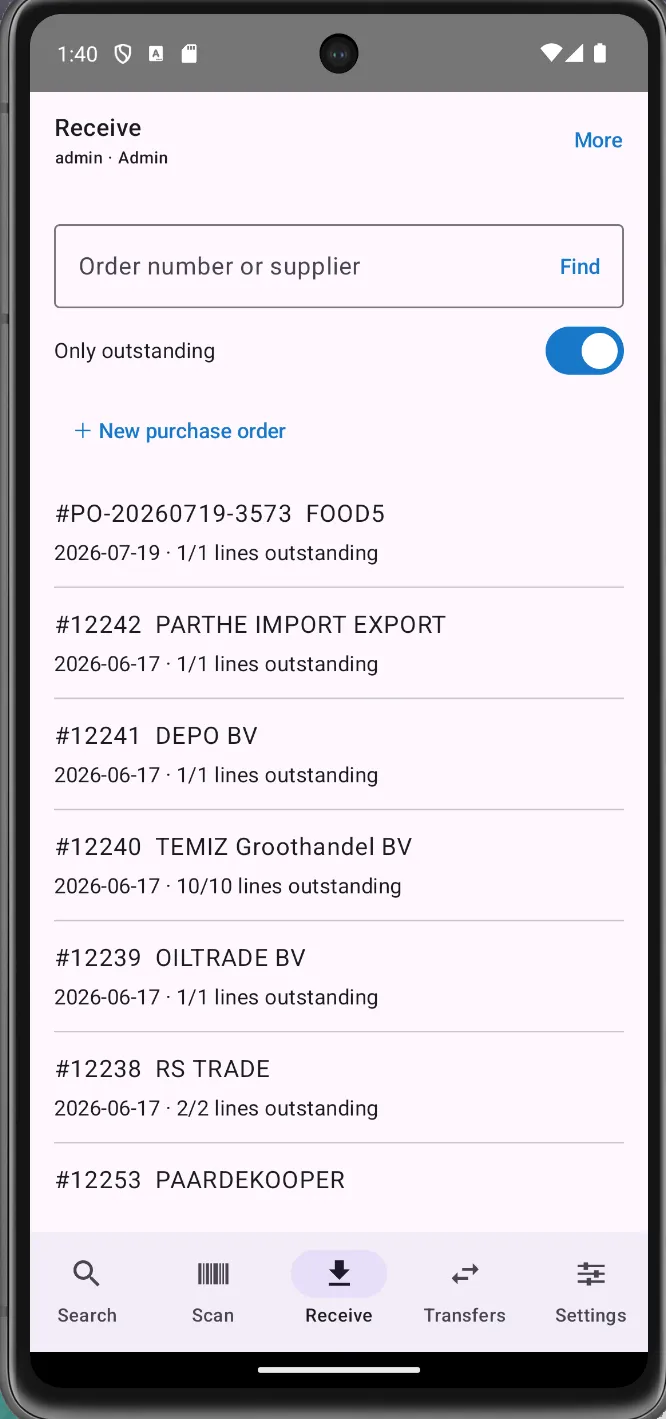
  • Find the purchase order by number or supplier, with an “Only outstanding” toggle on by default.
  • The receive worksheet lists every line as ordered vs. already received; each trigger pull bumps the received count by one. Totals are cumulative and idempotent: re-submitting is harmless on a flaky connection.
  • Over-receive protection: crossing the ordered quantity raises an alert and demands explicit confirmation. Partial deliveries are natural: the PO stays outstanding for the rest.
  • The pakbon feature: photograph the delivery note (or attach a PDF) filed under Pakbon / Vrachtbrief / Factuur / Foto / Overig. Office staff see it on the same order seconds later.
The Receive tab listing purchase orders by number, supplier and outstanding lines.

Create the purchase order on the gun.

Scan the shelf; each line arrives pre-filled with intelligence.
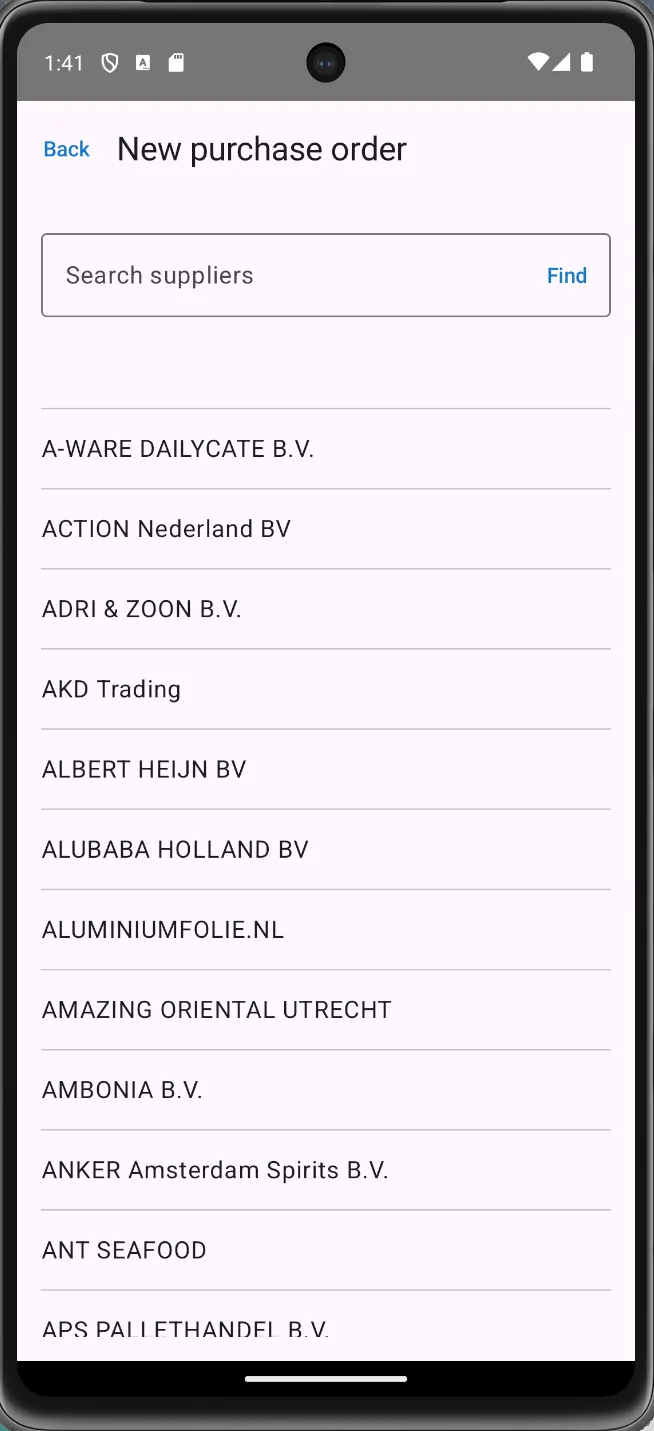
  • Pick the supplier from a live, searchable list, then lock it in for the whole order.
  • Scan the cart together: point at a product, pull the trigger, a line appears, pre-filled with this supplier’s buy price, their own article code, and the product’s VAT. Scan again to bump the quantity.
  • One-tap submit sends the whole cart in a single atomic call; the server mints the PO number and writes each price + vendor code back to the supplier’s price file, so the next scan prefills even better.
  • E-mail the order to the supplier: the server renders the PO PDF and sends it over the shop’s SMTP, then locks to “✓ Order e-mailed” so it can’t send twice. “Receive now” jumps straight into the worksheet for that order.
Creating a new purchase order: searching the supplier list.

Guided put-away, picking & packing.

The server judges every scan in real time.
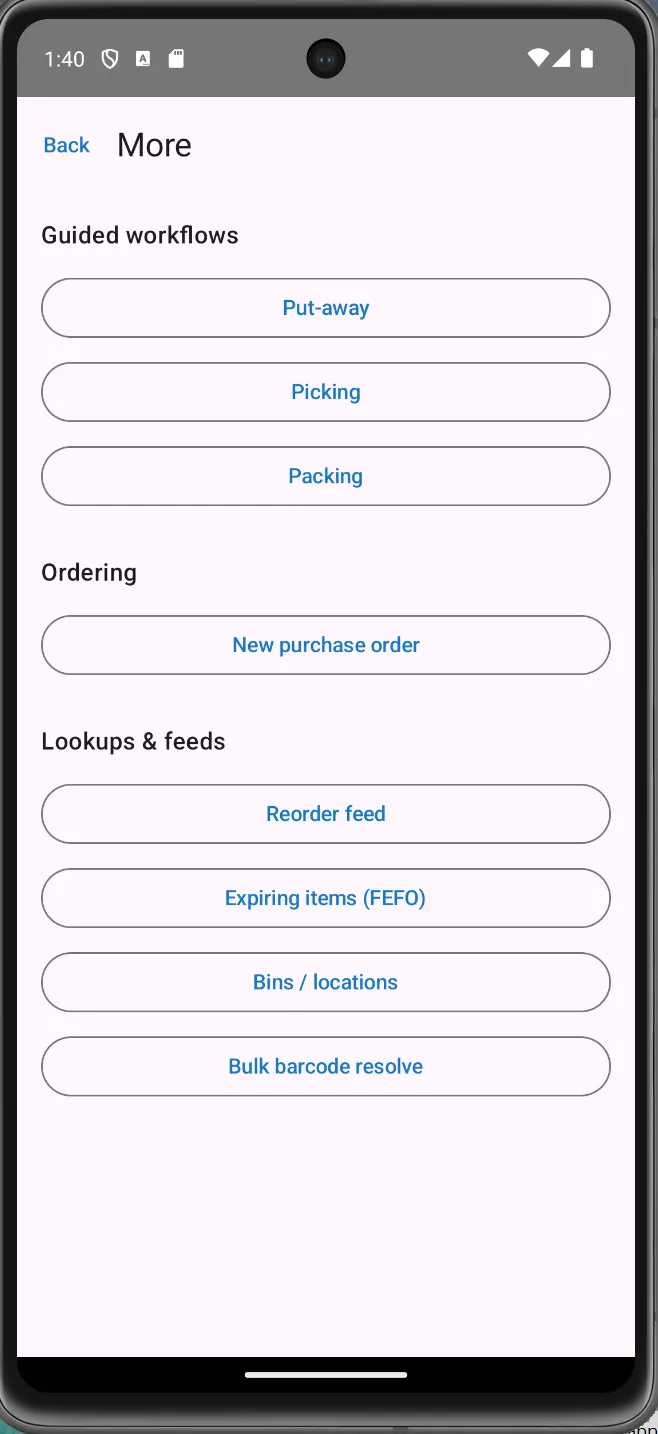
  • Put-away: the task list shows what’s waiting to be shelved with a suggested destination bin; confirm the quantity, scan the bin barcode, done. A free-form flow handles stock that arrives outside a task.
  • Picking: scan a product and the app matches it to the right order line, pre-filled with the outstanding quantity; the server verifies every pick (right barcode? not over-picking?). Short picks are first-class, with a reason.
  • Pack verify: scan each item as it goes into the box. Every trigger pull verifies exactly one unit against the order. A wrong item or one too many is rejected in red; the mis-pack can’t be “verified in”.
  • Completion only unlocks when every line is fully picked or packed, no half-finished orders slipping through.
The More hub: guided workflows, ordering, and lookup feeds.
Warehouse structure

As granular as your warehouse actually is.

Model your real layout in a visual designer and drill down as far as you like, from a whole site to a single bin. Every level is barcoded, so a scan always resolves to an exact place.
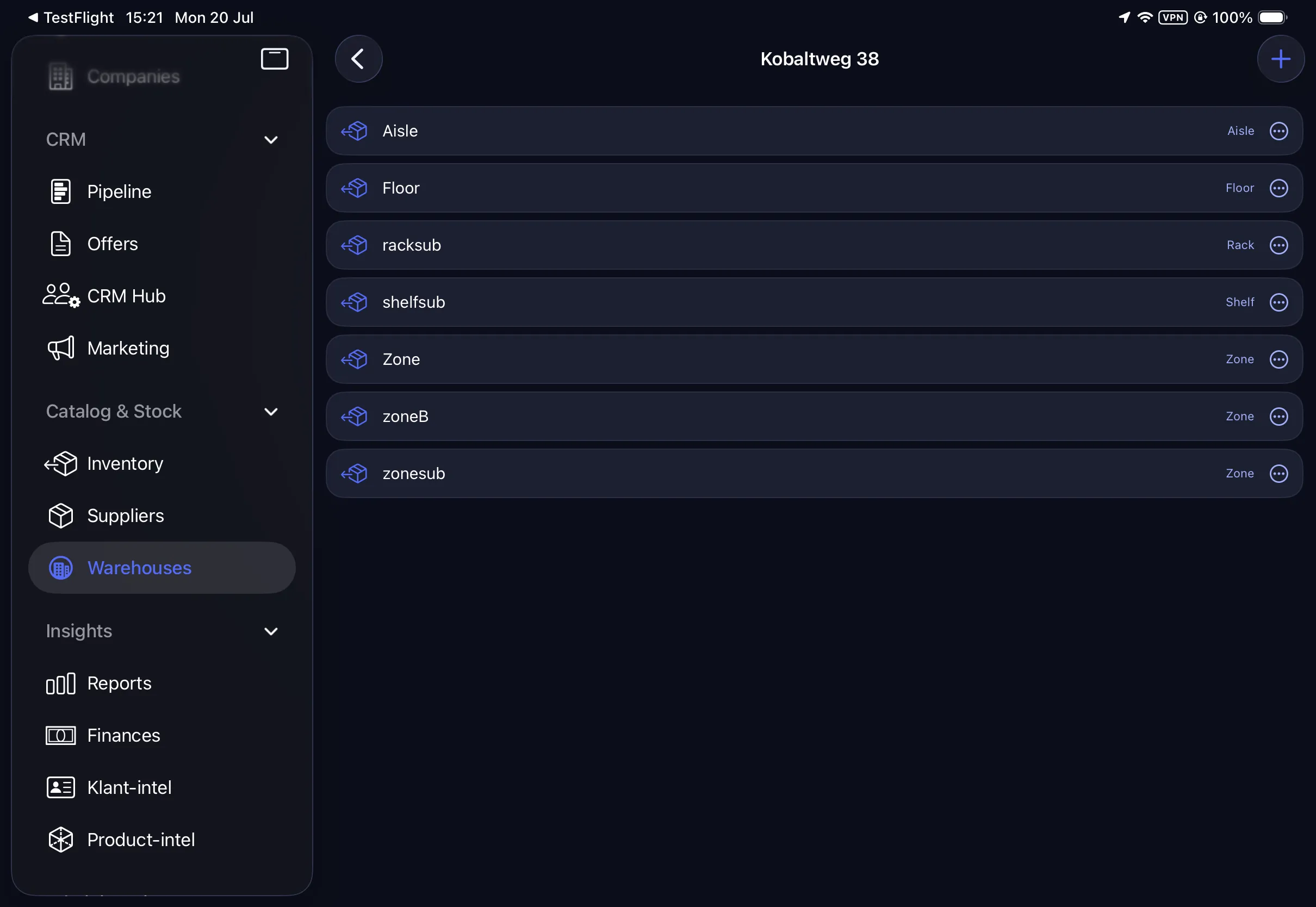
  • A full location hierarchy: Zone, Aisle, Rack, Shelf and Bin, each node with its own barcode and scannable path, under one or many warehouses.
  • Multiple warehouses and stores, each with its own tree; browse any site’s zones, aisles and racks as a collapsible structure.
  • Tap any bin to see exactly what’s inside it: product, SID, on-hand and unit. Real location-level stock, not a single warehouse sum.
  • Scanned bins are resolved server-side, so put-away and picking always land stock in the right physical place (with a clear “bin not found” for a stray label).
  • Per-warehouse stock levels are tracked underneath, ready to surface stock by location across the whole estate.
The warehouse bin tree: Zone, Aisle, Rack, Shelf and Bin, each with its type.
And everything else

A companion for the entire physical life of stock.

Beyond the guided flows, Vf-Warehouse covers every job a person with a scanner needs to do without walking back to a PC.

Stock operations (offline-capable)

  • Adjust to an absolute counted quantity, which kills the classic double-adjustment error.
  • Count: build a multi-line stock take and submit; the server returns the delta and new on-hand per line.
  • Move / dispatch between warehouses, with same-warehouse and zero-quantity guards before the server ever sees it.
  • Transfers: the receiving warehouse accepts or cancels each dispatch; an already-handled one is refused, so two people can’t accept the same pallet twice.

Planning feeds

  • Reorder feed: every product at or below its minimum, with a suggested order quantity and the default supplier.
  • Expiring items (FEFO): everything expiring within n days, with a live countdown.
  • Record and manage batches (batch no., lot, quantity, expiry, mfg date) with strict date validation.

Bins & locations

  • Browse the warehouse’s physical layout: Zone / Aisle / Rack / Shelf / Bin, each with its barcode and path.
  • Tap a bin to see exactly what’s inside it: product, SID, on-hand and unit.
  • Together with put-away, this gives real location-level stock.

The offline-first engine

  • Every stock write is queued locally (it survives app kills and reboots) with a globally unique operation ID.
  • The sync engine pushes the whole queue in one batch the instant connectivity returns; the server applies each op at most once: a nervous re-send can never double-book stock.
  • A Sync screen makes it visible: pending count, and each op as Queued, Synced ✅ or Failed with the server’s reason.

Security & sessions

  • User ID + password to a JWT login bound to a stable per-device ID; a 15-minute token silently refreshes and retries, so the user is never nagged.
  • Permission-aware UI: features a role can’t perform are simply hidden (creating orders needs the orders.manage right).
  • HTTPS enforced; the Bearer token rides on every API call automatically.

Set-up & hardware

  • Ships with no hard-coded server. Enter your LAN address with a “Test Connection” probe; every customer points the same app at their own server.
  • Matches any scan-gun vendor: the broadcast action/extra keys are configurable in Settings, with no rebuild.
  • Runs on MUNBYN-class Android handhelds and talks to the same REST API as the website.

See the scanner move real stock.

Order it, receive it, put it away, pick and pack it: one continuous chain on one device. We’ll show you on your own catalog.